
RC Rock Crawler for Beginners: Micro 1/24 Fun and Waterproofing Basics
If you’re new to crawling, here’s the deal: a 1/24 micro crawler lets you learn real rock‑crawling technique on a coffee table, then toss the rig in a backpack for a park session after school or work. This guide keeps things simple and safe—especially around water. We’ll cover how to choose your first setup, how to do beginner‑friendly waterproofing for the ESC, receiver, and servo, and how to care for bearings after wet runs so your crawler stays smooth.
Key takeaways
-
1/24 micro crawlers are portable, apartment‑friendly, and perfect for practicing throttle control and approach angles indoors, while larger 1/10 rigs shine on rough outdoor trails, per retailer guidance from HobbyTown Santee (2024–2026) noted below.
-
Start with RTR for your first purchase so you can drive on day one; save kits for when you want deep customization later, a direction many beginner guides recommend.
-
“Waterproof” means splash‑ready, not submersible. Use thin conformal coatings, seal connectors, and test dry before getting anything wet.
-
After any wet session, rinse non‑electronics, dry thoroughly, and re‑lube bearings. A few minutes of care prevents rust and grinding.
-
For the first upgrades on a 1/24: better tires and foams, a stronger micro servo, then small, low‑mounted brass weight—keep it light to protect the drivetrain.
Why a micro 1/24 makes sense for beginners
Smaller crawlers make practice easy. Authoritative retailer explainers note that 1/24 scale rigs work well for indoor or tight spaces, while 1/10 vehicles handle rougher outdoor terrain thanks to stability and ground clearance. See HobbyTown Santee’s overview of scale implications in its explainer on understanding scale and use cases, which highlights smaller scales for compact spaces and learning control, and larger scales for off‑road adventures (HobbyTown Santee’s guide on scale).
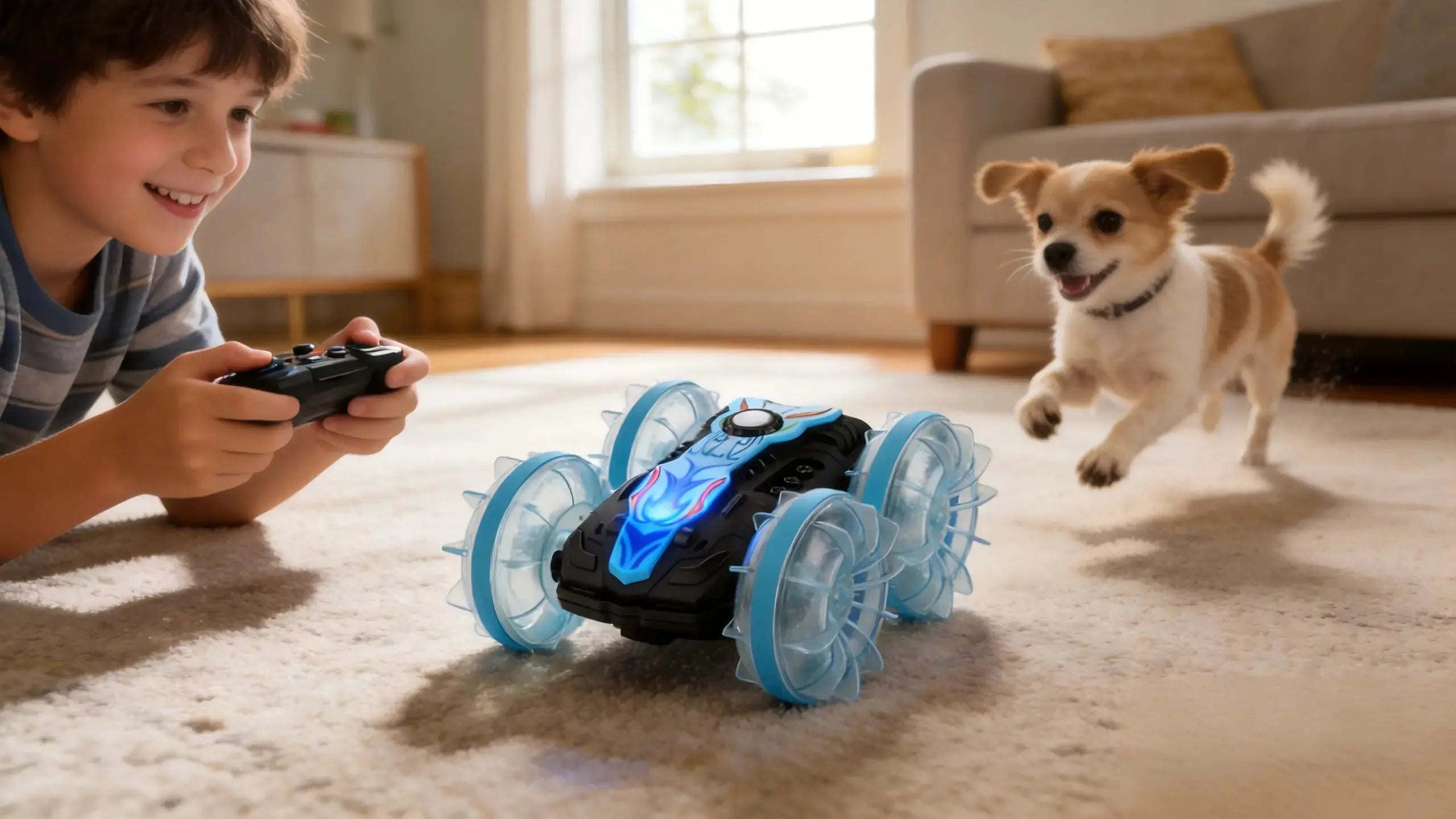
Think of it this way: a micro crawler turns your living room into a safe, low‑speed classroom. You’ll spend more time learning precise throttle and steering—and less time chasing broken parts.

RC rock crawler for beginners buying path
New buyers usually do best with an RTR (Ready‑to‑Run). Retailer beginner guides point first‑timers to RTR for a smoother start because it removes the assembly barrier so you can focus on driving and basic maintenance before tackling custom builds. For context on beginner expectations, see the buying guidance from RC Hobbies Outlet that describes RTR as the practical first step for novices (RC Hobbies Outlet beginner guidance).
What to expect in the box (typical RTR):
-
Vehicle pre‑assembled with electronics installed
-
Transmitter
-
Battery and USB charger (sometimes AA cells for the transmitter are not included)
If you want a quick sense of crawler options and what “everything in the box” looks like before you buy, you can browse the crawler‑relevant models in the PlayPulse RC catalog to compare configurations in one place (PlayPulse RC products). This is a neutral reference point to understand inclusions, warranty, and shipping policies without committing to a specific model.
Day‑one setup and your first indoor session
Aim for smooth, deliberate control. A micro course can be as simple as a yoga mat for grip, a couple of bricks, a scrap of wood as a bridge, and a shallow “splash zone” tray. Keep electronics dry until you complete the basic waterproofing later in this guide.
Controller setup and technique tips align with beginner practice advice from hobby sources: limit throttle to 50–75% for the first hour, add a touch of expo for finer low‑speed response, and practice approach angles so each tire maintains contact. See technique reminders in Voltage Models’ beginner tips on terrain and throttle control (Voltage Models on crawler basics).
Pre‑run checklist for micros:
-
Battery charged and secured
-
Throttle limited to 50–75%
-
Tires properly seated on rims; foams not bunched
-
No loose wires near driveshafts or gears
-
Quick nut/bolt check on wheels and links
Waterproofing that actually helps
“Waterproof” on a box usually means splash‑resistant components—not a green light for dunk tests. Reliable, beginner‑safe methods combine thin conformal coatings on exposed PCBs, careful connector sealing, and patient testing. Retailer guides explain the materials and caution against smothering heat‑sensitive parts: see the step‑by‑step materials and caveats in RC Visions’ how‑to, and the all‑season care reminders in Hearns Hobbies’ weather‑proofing checklist (RC Visions waterproofing guide; Hearns Hobbies weather‑proofing tips).
Materials to have on hand:
-
Conformal coating (brush or spray) for ESC and receiver PCBs
-
Liquid electrical tape for solder joints and backshells
-
Heat‑shrink assortment and dielectric or marine grease for connectors
-
Contact cleaner, compressed air, masking tape, microfiber towels
Safety boundaries:
-
Keep coatings thin and avoid heat sinks or ventilation slots on the ESC.
-
Never seal in moisture—dry parts completely before coating.
-
Start with splash tests, not submersion, and watch temperatures during the first runs.
Micro waterproofing workflow
-
Prep the rig
-
Disconnect the battery. Open cases only if serviceable without damage. Blow off dust and moisture. Mask heat sinks, vents, and moving parts.
-
-
Coat the electronics
-
Apply one very thin coat of conformal coating to exposed receiver and ESC PCB areas. Use a fine brush; avoid connectors and switches. Let it cure per the label.
-
-
Seal joints and connectors
-
Dab liquid electrical tape on solder joints and the backs of connectors. Add a light smear of dielectric grease on plug pins, then slide heat‑shrink over the mated connectors and shrink gently.
-
-
Servo sealing
-
Where accessible, run a tiny bead of silicone along servo case seams and at the wire grommet. Do not block the output shaft or bind the horn.
-
-
Dry bench test
-
Power up in a dry area. Confirm steering and throttle, then run the wheels in the air for 30–60 seconds while feeling for abnormal heat.
-
-
First wet exposure protocol
-
Do a light splash or spray test, not a dunk. After 2–3 minutes, inspect for moisture ingress, re‑seal if needed, and allow to dry fully before the next run.
-
For methods and cautions, compare the above with the material lists and warnings in the retailer tutorials from RC Visions and Hearns Hobbies (linked above).
Bearing care after wet runs
Bearings are small but critical. Water plus grit leads to rough spin, noise, and fast wear. After splashes or mud, quick attention prevents corrosion.
-
Immediate post‑run actions: Disconnect the battery. Brush off mud and debris. Rinse non‑electronic areas gently if needed, then blow dry with compressed air and wick moisture from tight spots. These steps mirror retailer maintenance checklists for wet play (Hearns Hobbies mudding care; RC Visions cleaning guide).
-
Re‑lubrication: Add a drop of lightweight bearing oil to shielded bearings. On exposed joints or axle ends, use a small amount of marine grease to repel water. If you feel grinding, replace the bearing—damage compounds quickly.
-
Cadence: Any time you run in the wet, repeat the clean‑dry‑lube routine the same day. For frequent wet sessions, schedule a deeper inspection weekly.
Smart first upgrades for a 1/24 micro crawler
Start with grip and control before adding weight. Many crawler builders prioritize better tires with supportive foams to stabilize the carcass under load. Next, upgrade to a higher‑torque, metal‑gear micro servo to hold lines on binds. Then consider selective brass low on the chassis—small wheel‑hub weights or a diff cover—to lower the center of gravity without over‑stressing the drivetrain. Keep changes modest and test after each tweak.

Troubleshooting after a wet run
|
Symptom |
Likely cause |
Quick fix |
|---|---|---|
|
Steering jitters or dead spots |
Moisture in servo case or connector |
Power down, dry thoroughly, re‑seal seams, add light dielectric grease on plug, re‑test |
|
Random throttle cutouts |
ESC overheat from heavy coating or trapped moisture |
Let cool and dry; inspect for thick coating over heat sinks; thin or re‑coat properly, ensure ventilation |
|
Receiver fails to bind after splashes |
Water in receiver case or antenna damage |
Open and dry if serviceable; re‑coat lightly; check antenna lead and re‑route away from wet zones |
|
Gritty wheel spin or squeal |
Contaminated bearings |
Clean, dry, then oil bearings; replace if roughness persists |
|
Intermittent power |
Wet or oxidized battery/ESC connectors |
Clean with contact cleaner; apply a tiny amount of dielectric grease; re‑seat and heat‑shrink if needed |
A practical micro example you can copy
Here’s a neutral, replicable workflow beginners often use with a compact RTR: unbox, confirm throttle limits on the transmitter, run a short indoor course of bricks and a small wood bridge, then perform the basic waterproofing above before trying backyard splashes. If you want to see typical RTR inclusions and warranty context in one place while planning your first setup, you can scan crawler‑relevant models in the PlayPulse RC catalog and note what’s included out of the box, the 6‑month limited warranty, and 30‑day returns for defects (PlayPulse RC products; see site FAQ and policy pages linked there for details).
Next steps
Ready to keep learning with printable checklists and beginner how‑tos? Explore the brand’s blog index for starter guides, maintenance tips, and micro course ideas you can try this week (PlayPulse RC blog hub).
Keep sessions short at first, log your changes, and celebrate each clean line. Micro crawlers make everyday places fun—rain or shine—when you protect the electronics and care for your bearings.