

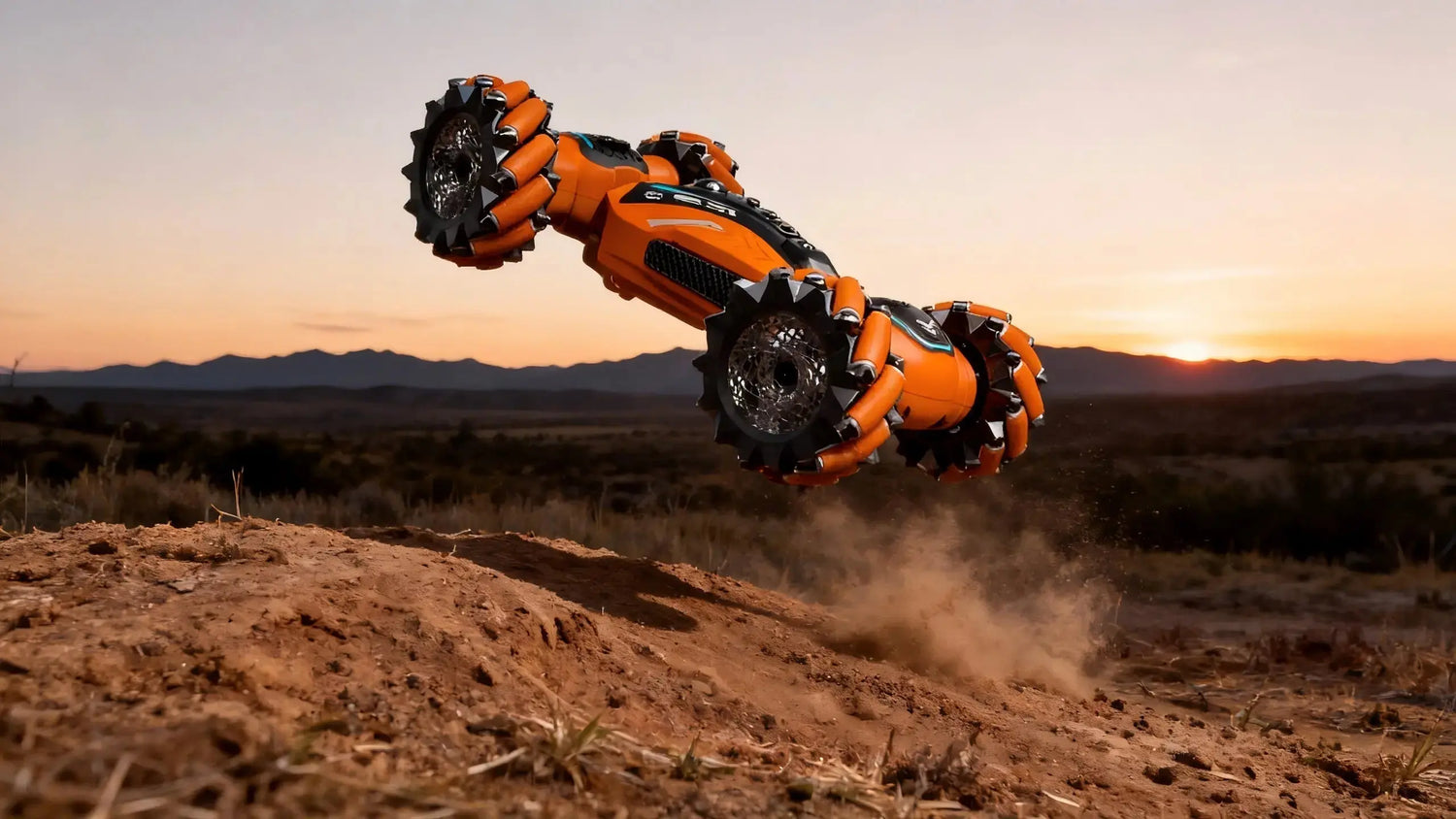
RWD RC Drift Beginner Guide for Kids (6–12): A Parent-Friendly Start
Getting sideways shouldn’t be scary. This guide gives parents and kids a gentle, step-by-step path to try real RWD RC drifting—what a drift gyro does, how to pick tires and a safe surface, and a simple baseline setup for camber, toe, and gearing. We’ll keep it fun, supervised, and repeatable so your child can link their first figure‑8 with confidence. Ready to coach the next smooth operator in your driveway?
Key takeaways
-
A drift gyro stabilizes yaw and adds counter‑steer, making early slides calmer when gain is set correctly.
-
Match drift tires to your practice surface for predictable breakaway and control.
-
Start with stock settings, then apply a beginner‑safe baseline: mild negative camber, near‑zero toe, and stock final drive ratio (FDR).
-
Practice three short drills (straight line, donut, figure‑8) to build smooth throttle and steering.
-
Keep sessions kid‑safe: adult supervision, clear boundaries, and products showing CPC/FCC/CE compliance.
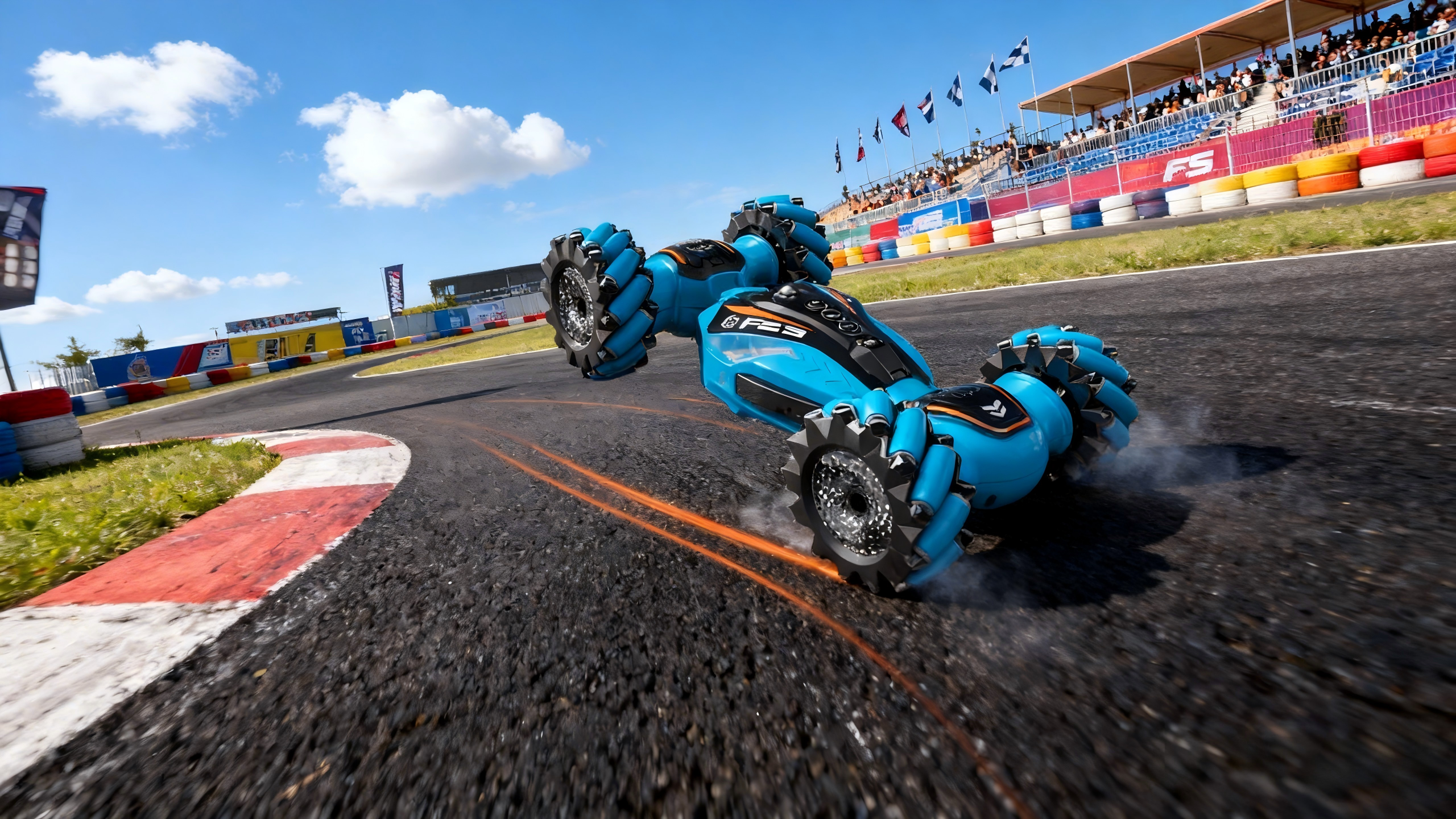
Gear and safety checks for your RWD RC drift beginner guide
-
Transmitter on first, then the car. Power off in reverse order.
-
Choose a smooth, open, obstacle‑free spot: clean asphalt, polished concrete, or painted/epoxy floors.
-
Boundary rules: no roads, no water edges, no steep slopes; cones mark the play area.
-
Kid‑safe markers when shopping: look for a Children’s Product Certificate in the U.S. (see the U.S. Consumer Product Safety Commission’s overview in the Children’s Product Certificate page) and proper FCC Part 15 labeling for 2.4GHz devices (the eCFR’s FCC §15.19 device statement). For toys placed on the EU market, the European Commission explains the CE marking and conformity process in Placing toys on the EU market.
Quick glossary (kid-friendly)
-
Gyro: A tiny helper that feels the car spinning and gently turns the wheels the other way so slides stay smooth.
-
Camber: The wheel’s tilt when you look from the front. A little “inward tilt” helps keep grip while sliding.
-
Toe: The wheels pointing slightly in or out when you look from above. Near‑zero keeps the car easy to control.
-
FDR (Final Drive Ratio): Like the bike gear you’re in—start with the stock gear before changing anything.
Step-by-step: install and tune the drift gyro
A gyro helps beginners hold angle and avoid snap‑spins—provided it’s wired, initialized, and tuned correctly. Authoritative hobby guides outline a simple, repeatable process.
-
Wiring and channels
-
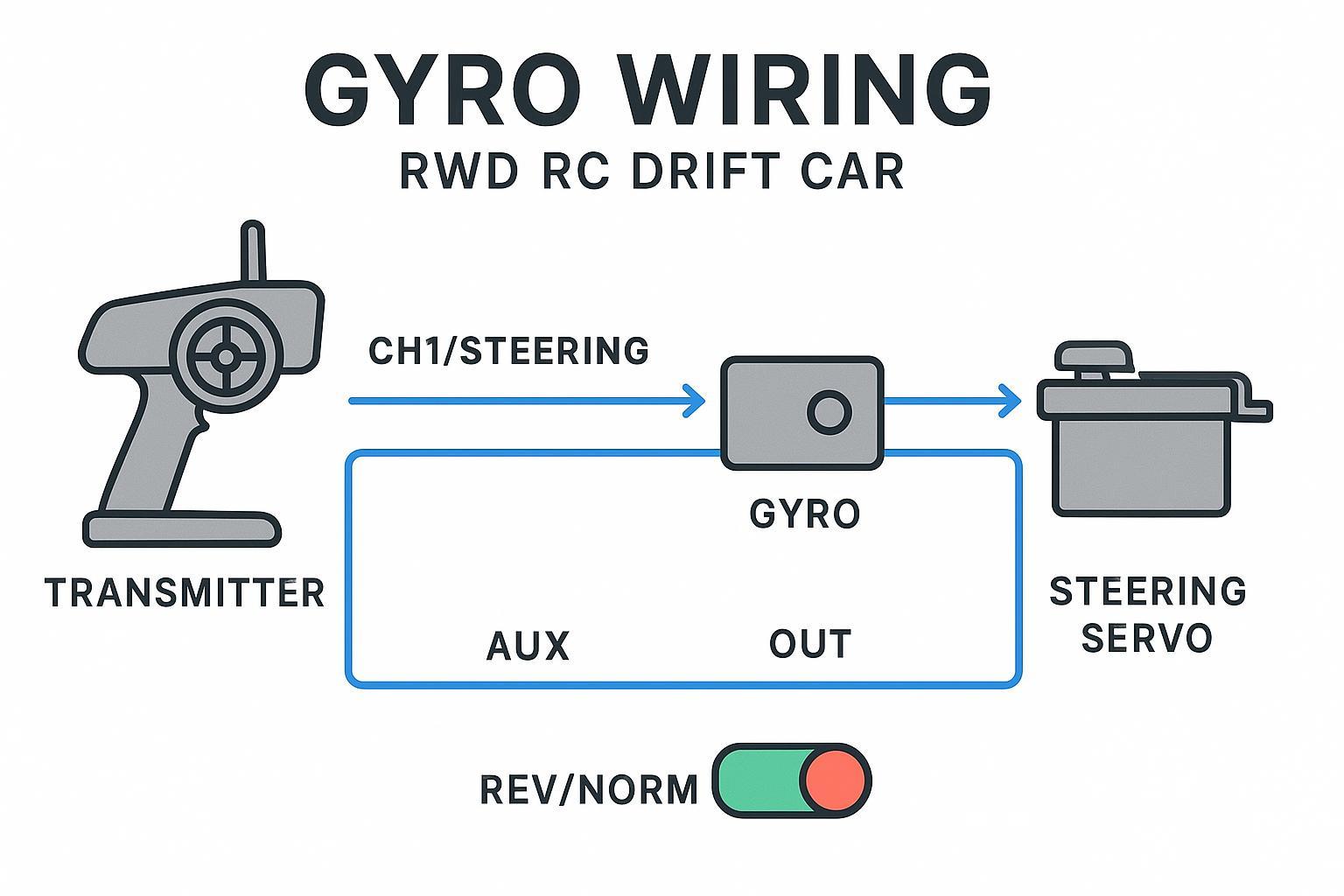
Receiver CH1 (steering) → Gyro RX/IN; Gyro OUT → Steering servo.
-
If possible, plug an AUX channel from the receiver to the gyro for remote gain so you can tweak on the spot.
-
Mounting and power‑on order
-
Mount the gyro firmly on the chassis to reduce vibration. Turn on the transmitter first, then the car; keep the car still so the gyro learns neutral.
-
Correction‑direction check (bench test)
-
Lift the rear and rotate the chassis left/right by hand. The front wheels should counter‑steer: chassis left → wheels right, and vice versa. If they steer the same way, flip the gyro’s REV/NORM setting.
-
Initial gain and the “no wobble” rule
-
Start with low‑to‑moderate gain. Do a slow straight‑line pass. If you see rapid twitching or “hunting,” the gain’s too high—back it off slightly. An AUX knob makes this painless.
-
For the underlying method and what oscillation looks like in practice, see RCTeam’s Installing and adjusting a gyroscope on your RC car drift (2025) and RC Drift QLD’s How to tune your Yokomo V4 gyro (2024).
Tires and surfaces: pick the pair that makes learning easier
Drift tires are hard plastic/resin. The compound you choose should match the surface you’ll practice on so breakaway is gentle and repeatable. Retailers and tracks commonly map DS Racing Comp III (LF series) compounds to surfaces, which makes selection straightforward.
-
Harder compounds generally slide more easily and last longer on grippy/abrasive ground.
-
Medium compounds suit many smooth indoor floors for easier initiations.
According to shop and track references, a practical mapping looks like this:
|
Practice surface |
Common beginner pick (DS Racing Comp III LF) |
Notes |
|---|---|---|
|
Smooth asphalt or terrazzo |
LF‑5T (hardest) |
Durable and predictable on rougher ground; needs smooth throttle. |
|
Polished concrete (some carpets) |
LF‑4 (hard) |
Balanced slide and longevity. |
|
P‑tile / epoxy / painted floors |
LF‑3 (medium) |
Widely used for indoor tracks; friendly initiation. |
-
For examples of how shops map LF compounds to surfaces, see Super‑G Drift’s DS Racing LF page and ROCDrift’s LF series overview. For a broader surface primer aimed at beginners, AMain Hobbies’ guide is helpful.
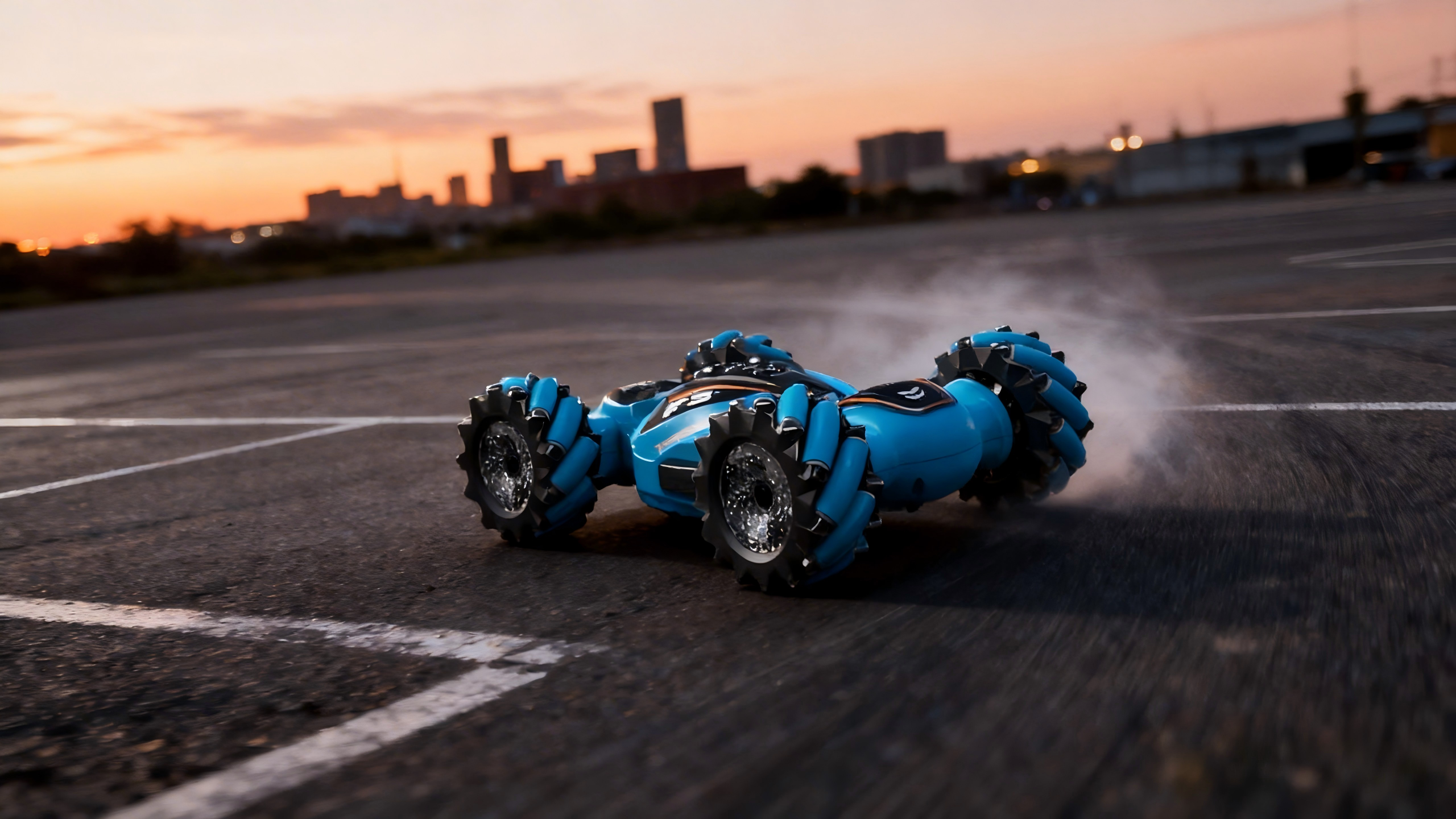
Beginner‑safe baseline setup (keep it simple)
Rather than chasing magic numbers, start with your chassis’ stock settings and make one small change at a time, logging what you tried. That said, a few conservative tweaks help most beginners:
-
Camber: Mild negative camber helps maintain edge grip during angle. As an illustrative starting point, many beginners find a modest range useful—adjust gradually and symmetrically while watching tire wear.
-
Toe: Keep near‑zero to make steering neutral and predictable; add a tiny bit of front toe‑in only if the car feels nervous at speed.
-
FDR/Gearing: Stick with the stock ratio at first. Change only after your child can drive consistent laps, checking motor/ESC temps after each run. General setup guides from EuroRC emphasize starting stock and moving in small steps rather than jumping to extreme gearing.
Why this works: You’re building a stable, repeatable base so the driver’s skills—not surprise setup swings—decide the outcome. Think of it this way: it’s like starting a bike ride in an easy gear before tackling hills.
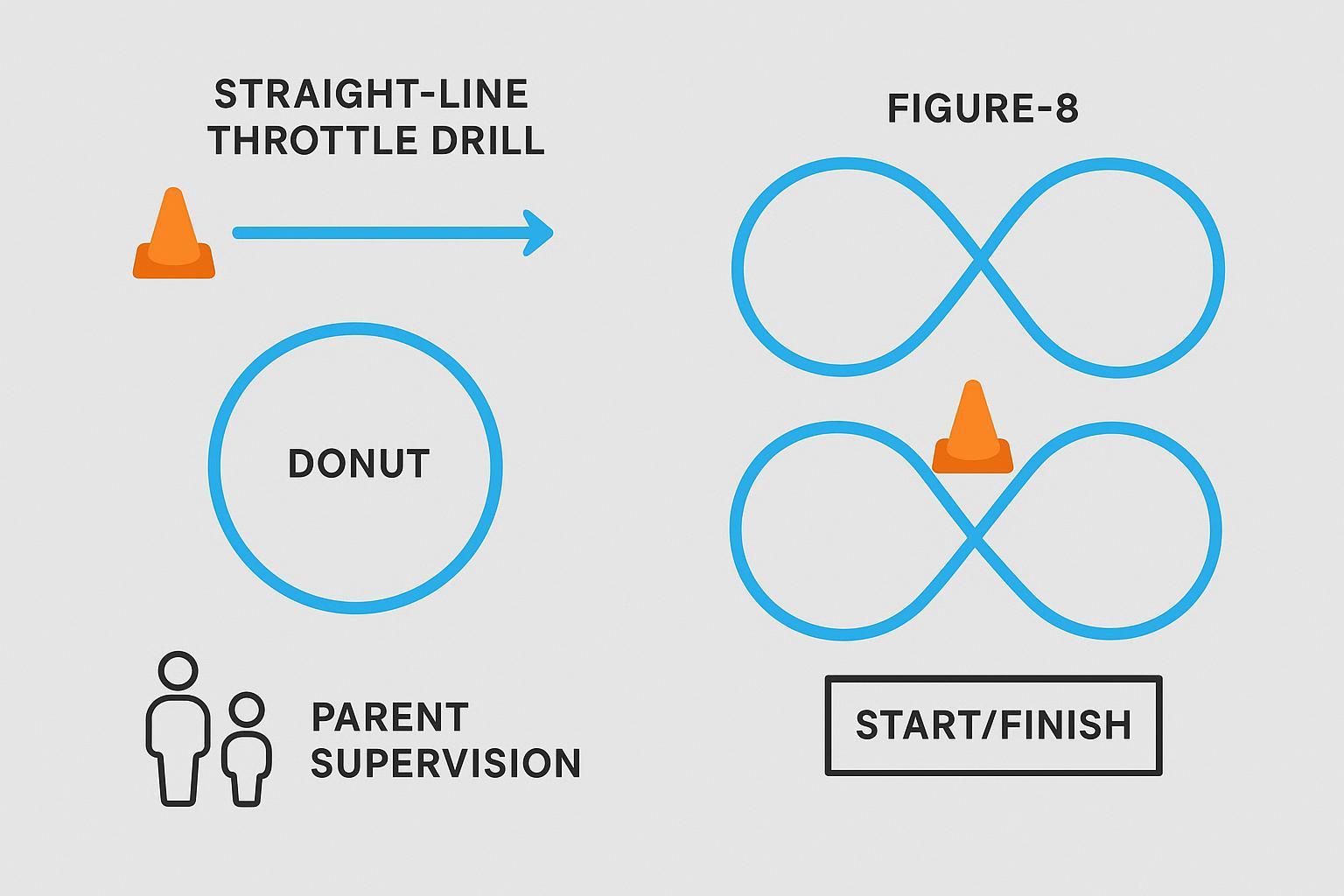
Your first three micro‑drills (5 minutes each)
These bite‑sized drills keep focus high and frustration low. Set cones in an open, clean space.
-
Straight‑line throttle
-
From a start box, roll on the throttle gently, then back off, then on again. Watch for gyro wobble in a straight line; reduce gain if you see twitching.
-
Walking‑speed donut
-
Place a single cone. Circle it at walking pace, keeping throttle gentle and steering steady. If the car snaps or spins, increase gyro gain slightly or consider a harder tire for very grippy floors.
-
Figure‑8 linking
-
Set two cones 10–12 feet apart. Aim for smooth transitions through the center without stabbing the throttle. Reward smoothness, not speed.
Parent tip: Keep sessions short and upbeat. End on a small win and let the batteries cool before a second stint.
Troubleshooting (fast fixes you can try)
|
Symptom |
Likely cause |
What to try |
|---|---|---|
|
Wobbles in a straight line |
Gyro gain too high or gyro mounting vibration |
Reduce gain a little; remount the gyro firmly. |
|
Spins on initiation |
Gyro gain too low; surface too grippy for tire; rear toe too open |
Add a touch of gain; choose a harder compound for that floor; check alignment. |
|
Uneven tire wear |
Camber mismatch or bent part |
Re‑measure camber at ride height and match sides; inspect for damage. |
For context on oscillation symptoms and surface effects, see the guides referenced earlier.
Parent note: Alternatives for younger kids (AWD/4WD before RWD)
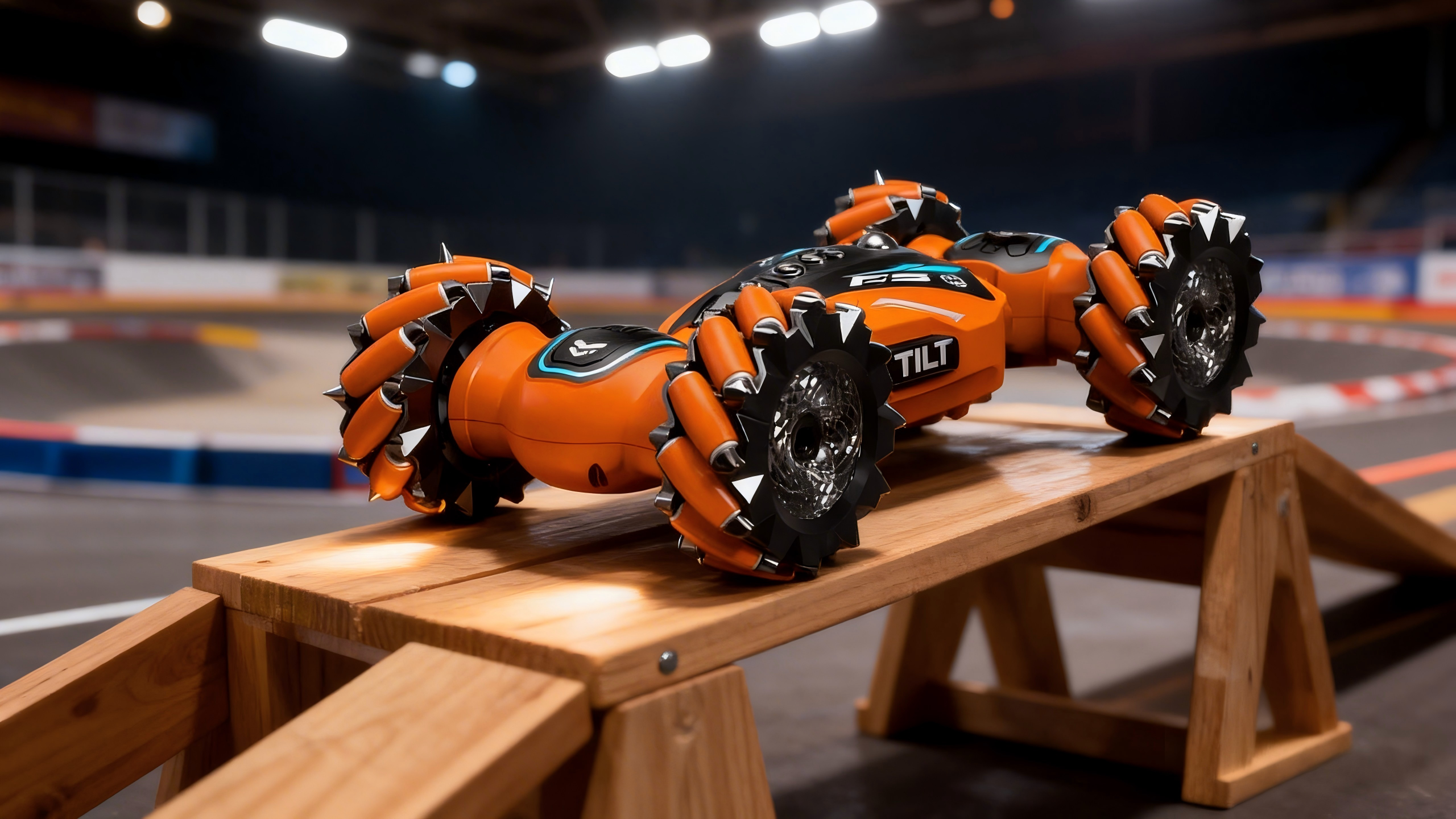
Some younger drivers benefit from practicing basic sliding with AWD/4WD mini drift cars on smooth indoor floors before stepping up to RWD. One example is PlayPulse RC’s 1:28 4WD Drift Short Truck (neutral, on‑ramp option) that can be used for gentle slides in small spaces. Read more on the product page at PlayPulse RC — 1:28 4WD Drift Short Truck 284131.
Further reading and credible resources
-
RCTeam — Installing and adjusting a gyroscope on your RC car drift (2025): https://www.rcteam.com/en/blogs/the-rc-model-blog/installing-and-adjusting-a-gyroscope-on-your-rc-car-drift
-
RC Drift QLD — How to tune your Yokomo V4 gyro (2024): https://rcdriftqld.com.au/blog/how-to-tune-your-yokomo-v4-gyro-for-your-rc-drift-car/
-
Super‑G Drift — DS Racing Comp III LF page (2024): https://supergdrift.com/products/competition-iii-lf-5c-drift-tire-4-pack-ds-racing-compiii-comp-3-lf5c-cs3-lf5c
-
ROCDrift — DS Racing Comp III LF Series (2024): https://rocdrift.com/product/ds-racing-comp-iii-lf-series-tires/
-
AMain Hobbies — Finding The Best RC Drift Car For You (2024): https://www.amainhobbies.com/finding-the-best-rc-drift-car-for-you/cp1482
-
EuroRC — Complete RTR RC Car Setup Guide: 8 Essential Checks (2025): https://www.eurorc.com/page/137/complete-rtr-rc-car-setup-guide-8-essential-checks-before-your-first-drive
-
U.S. CPSC — Children’s Product Certificate overview: https://www.cpsc.gov/Business--Manufacturing/Testing-Certification/Childrens-Product-Certificate
-
eCFR — FCC §15.19 device statement: https://www.ecfr.gov/current/title-47/section-15.19
-
European Commission — Placing toys on the EU market (CE): https://single-market-economy.ec.europa.eu/sectors/toys/placing-toys-eu-market_en
-
For broader beginner context and family‑friendly RC posts, visit PlayPulse RC’s blog & news hub: https://www.playpulserc.com/blogs/playpulserc-blog-rc-toys-news
-
Product mentioned above: PlayPulse RC — 1:28 4WD Drift Short Truck 284131: https://www.playpulserc.com/products/drift-rc-cars-1-28-4wd-short-truck-284131-30kmh-100m

Leave a comment
This site is protected by hCaptcha and the hCaptcha Privacy Policy and Terms of Service apply.