Beginner RC Crawler Guide for Kids & Parents — Choose, Set Up, and Stay Safe
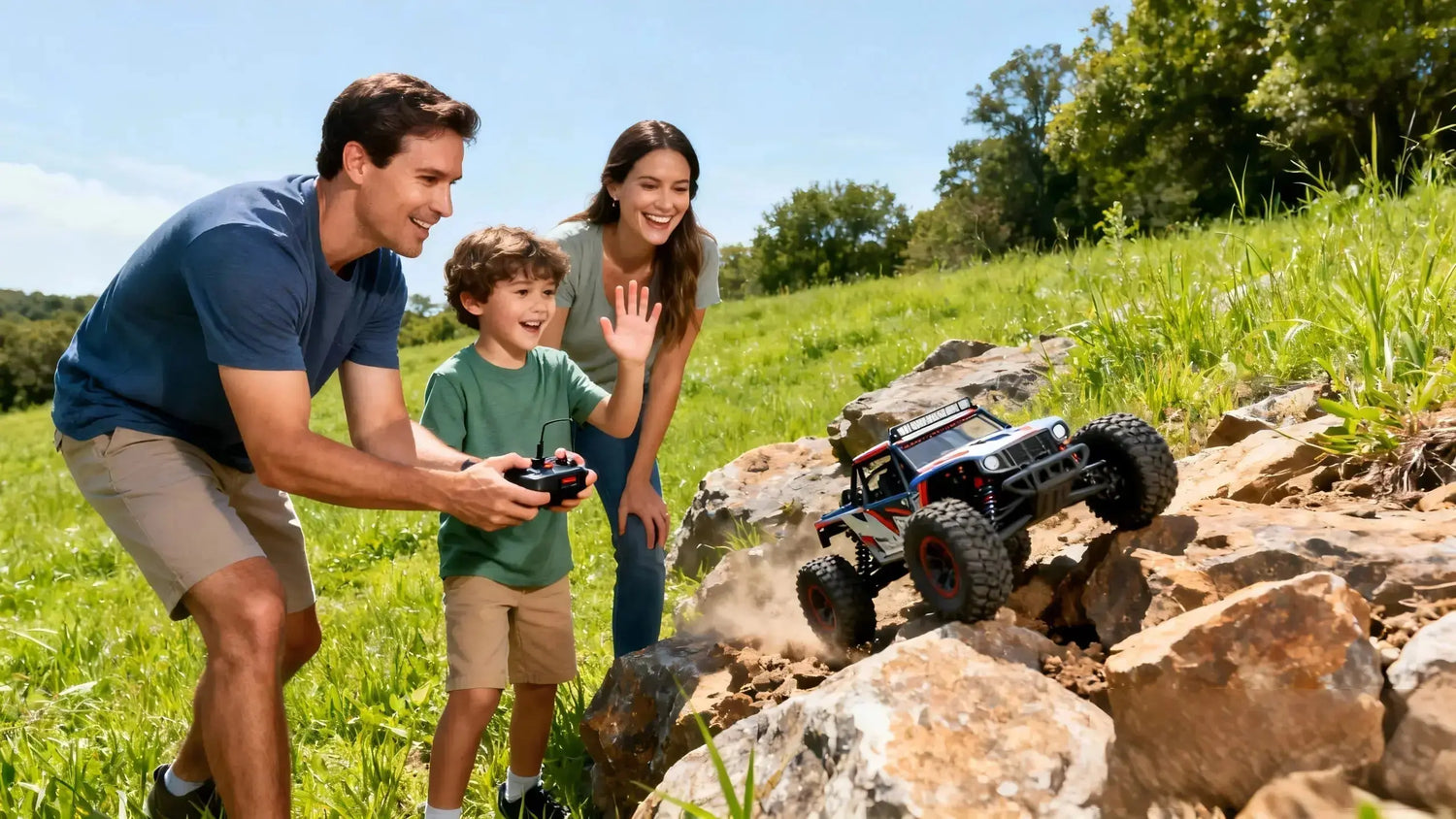
Remote-control rock crawlers are a fantastic first RC category for families. They move slowly, climb over backyard obstacles, and reward careful control instead of raw speed. That means more smiles, fewer crashes, and a safer way for kids to learn the basics of steering, throttle, and responsibility—right beside you.
Disclosure: PlayPulse RC is our product. We’ll reference it once as an example where it’s genuinely helpful, and keep everything else brand-neutral so you can apply it to any crawler you choose.
Key Takeaways
-
A true beginner RC crawler should be RTR (ready-to-run), use a modern 2.4GHz radio, and have proportional steering/throttle so kids can make small, precise inputs.
-
Choose scale by space and age: 1/24–1/18 for living rooms and small yards; 1/10 for bigger backyards and longer-term growth.
-
Treat most “waterproof” claims as water-resistant unless an IP67/68 rating is documented. After any wet use, disconnect the battery and dry thoroughly.
-
Charge LiPo batteries at 1C on a balance charger, in a fire-safe bag, under adult supervision—never unattended.
-
Plan your first 30 minutes: quick inspection, charge, bind + failsafe, ESC check, short first drive in an open, dry area.

Quick Start: Your First 30 Minutes
Here’s the plan many parents use for a smooth first session. Expect 20–30 minutes for setup (not counting the first full battery charge, which often takes 60–120 minutes at 0.5–1C). Unbox together and do a quick look-over for loose parts. While the battery charges in a LiPo-safe bag under your supervision, talk through the controls—left stick/wheel turns the front wheels, trigger squeezes to go, pushes forward for brake/reverse. When the pack is ready, confirm the radio link and failsafe in a safe way: lift the crawler so wheels are off the ground, briefly switch off the transmitter, and make sure the model stops behaving (no runaway). Keep the first drive short on flat ground, with you standing right beside your child. Use any throttle limiter or dual-rate on the transmitter to tame speed for the first week.
How to Choose a Beginner RC Crawler
A “beginner RC crawler” should be easy to control, durable, and simple to maintain.
-
Scale and space: 1/24–1/18 crawlers are small, quiet, and great for tabletops, indoor courses, and tiny backyards. They’re budget-friendly and less intimidating for ages 6–9. Standard 1/10 crawlers are larger and heavier, shine outdoors, and give better obstacle clearance for families with room to roam.
-
Budget ranges: Under about $100 you’ll find toy-grade minis. Between $100–$200 you’ll see many capable “mini crawlers” that are a sweet spot for families. Around $250–$400 gets you beginner-friendly 1/10 models with stronger parts and longer-term appeal.
-
Must-have features: Look for RTR (ready-to-run: car, radio, battery/charger included or clearly stated), a 2.4GHz radio system that avoids interference when multiple kids drive together, and proportional control so tiny trigger movements deliver tiny speed changes. For wet play, favor enclosed drivetrains and sealed electronics.
-
Interference-free control: Modern 2.4GHz systems such as DSMR or FHSS reduce cross-talk and reconnect quickly if the signal drops—ideal for siblings driving side by side, as explained in the manufacturer tech notes from Spektrum and Futaba. See the background on reliable 2.4GHz links in the manufacturers’ overviews in the Spektrum explanation of DSMR and Futaba’s page on FHSS/FASSTest.

If you prefer an example to visualize size and features, small RTRs around 1:16–1:18 can be a friendly entry point. We’ll include one neutral example link in the resources at the end so you can check specifications without sales pressure.
What You’ll Need on Day One
You don’t need a full workshop. A simple starter kit goes a long way: a small Phillips screwdriver or hex driver set, needle-nose pliers, a soft brush, microfiber cloths, a LiPo balance charger, and a fire-resistant LiPo bag. Optional but useful: a can of compressed air and a tiny tube of dielectric grease for connectors if you plan to drive through splashes.
Two LiPo facts that keep families safe and batteries healthy: always balance-charge and stick to roughly 1C charge rates unless the pack clearly allows more. Storage voltage matters too when you’re done for the day.
|
Battery type |
Cells (S) |
Nominal voltage |
Storage voltage (approx.) |
Typical safe charge rate |
|---|---|---|---|---|
|
Standard LiPo |
2S |
7.4 V |
7.6–7.7 V |
1C (e.g., 1500 mAh → 1.5 A) |
|
Standard LiPo |
3S |
11.1 V |
11.4–11.55 V |
1C (e.g., 2200 mAh → 2.2 A) |
According to manufacturer guidance, storage is around 3.7–3.85 V per cell and 1C is the conservative charge rate that balances safety and battery life; Grepow’s FAQs detail these basics in their 2024–2025 summaries.
Step-by-Step Setup for Your First Safe Drive
-
Unbox and inspect (5–10 min, Easy). Remove the body shell. Check that wheels spin freely, links move smoothly, and no screws are visibly loose. If the manual suggests threadlocker for metal-to-metal screws, add a tiny drop later when you have time.
-
Charge the battery safely (60–120 min, High-risk → supervised). Use a balance charger, place the pack in a LiPo-safe bag, and stay in the room. Set 1C unless the pack explicitly supports higher. Never charge on a bed, sofa, or unattended space.
-
Bind the radio and set failsafe (3–7 min, Easy). Common method: put the receiver in bind mode (its LED blinks), start the transmitter’s bind, then confirm a solid LED. With throttle at neutral, save the failsafe so the car stops if the transmitter loses power. Spektrum SR-series manuals describe this bind-then-failsafe behavior, and the same principle applies to most modern RTRs.
-
ESC check and throttle calibration (3–5 min, Easy). Center trims, keep wheels off the ground, confirm forward is forward and brake/reverse works. Some ESCs auto-calibrate; others walk you through neutral → full throttle → full brake, like Hobbywing’s WP-1080 G2 sequence.
-
Range and control check (3–5 min, Easy). With the body on, walk 20–30 feet away and steer/drive gently. The 2.4GHz link should stay solid; if the car twitches, re-check antenna routing and re-bind if needed.
-
First drive rules (15–30 min, Easy). Choose flat, dry concrete or short grass. Use the transmitter’s throttle dual-rate or endpoint to limit speed. Stand close, coach gentle steering, and celebrate small climbs. Keep water and mud for another day until you know your model’s sealing level.

Safety Essentials Parents Should Know
Waterproof vs water-resistant: Most RTRs are safe for splashes but not dunking unless an IP rating like IP67 (temporary 1 m immersion) is clearly documented by the manufacturer. Engineering references that explain IEC 60529 make the differences clear—IP66 is about strong jets, IP67 allows brief immersion, IP68 goes deeper under defined conditions.
Never leave a LiPo charging unattended. Use a fire-resistant bag, balance-charge, and keep chargers on a nonflammable surface with an adult in the room.
LiPo must-knows for family use:
-
Charging: Balance-charge at about 1C. Stop if a pack gets hot, puffs, leaks, or smells sweet/solvent-like.
-
Storage: If you won’t drive again within a day or two, use Storage mode to bring the pack to ~3.8 V per cell. Store in a cool, dry place away from direct sunlight.
-
Handling: Inspect leads and connectors for damage. Never puncture or crush a LiPo. If a pack gets wet, dry the outside thoroughly and retire it if there’s any swelling or damage.
Radio reliability and failsafe: 2.4GHz systems with frequency-agility (DSMR/FHSS) are designed for crowded environments and include failsafe behavior. Manufacturers like Spektrum and Futaba document how their systems hop or spread spectrum to maintain the link and what happens when the link is lost—the model should hold neutral or brake, not run away.
Quick Fixes: Troubleshooting Common First-Day Issues
|
Symptom |
Likely cause |
Quick fix |
|---|---|---|
|
No power |
Battery not charged, ESC switch off, loose connector |
Charge fully, toggle ESC switch, seat plugs firmly |
|
No steering but throttle works |
Servo plug loose, wrong RX port |
Reseat servo plug into STR/CH1, check BEC power |
|
Won’t bind or drops link |
Not in bind mode, antenna routing poor, nearby interference |
Re-bind per manual, keep RX antenna above chassis, move away from Wi‑Fi router briefly |
|
Reverses when pulling trigger |
Throttle channel reversed |
Use TX reverse setting for throttle channel |
|
Motor stutters under load |
Low-voltage cutoff, too-tight gear mesh, wet connectors |
Charge pack, perform paper-test on gears, dry and clean plugs |
|
Vehicle runs when TX is off |
Failsafe not set |
Re-bind with throttle neutral, verify by switching TX off with wheels off the ground |
After-Wet Care and Simple Maintenance
If the crawler gets rained on or splashed, disconnect the battery before doing anything else. Blot water, remove the body, and use a soft brush or compressed air to push moisture out of crevices. Let electronics air-dry in a warm, ventilated room; placing the receiver box and ESC area near desiccant for 24–48 hours helps after heavy exposure. Avoid high heat like hair dryers on full blast. Retailer guides on RC waterproofing and cleaning echo the same approach: gentle cleaning, thorough drying, and inspection before power-on.

Routine upkeep stays simple if you do a little every time:
-
After each run: Brush off dirt, wipe the chassis, and check that the wheels still spin freely. If you used water, add extra drying time before storing.
-
Weekly (or every few sessions): Check screws on the suspension links and motor mount. If you ever loosen the motor, set the spur/pinion mesh using the “paper test” so it doesn’t scream or strip. A thin strip of paper between the gears while you tighten makes the mesh just right.
-
Monthly: Look at bearings, driveline play, and tire wear. Add a tiny drop of blue threadlocker to any metal-to-metal screws that keep walking loose.
A quick anecdote from the garage: with my 8-year-old, we ran a mini crawler in damp grass. We pulled the battery right after, popped the body off, and set the electronics near a bowl of silica packets overnight—no jitters the next day.
FAQs for New RC Crawler Families
What run time should we expect? Most mini crawlers on 2S packs run about 20–45 minutes depending on terrain, tire grip, and how often kids get stuck and goose the throttle. Bigger 1/10 rigs with larger batteries often run longer.
Is a brushed motor okay for beginners? Yes. Brushed systems are affordable, gentle on drivetrains, and easy to maintain. Brushless can come later if you want efficiency and more torque control features.
How “waterproof” is our RTR? Unless your manual specifies an IP67/68 rating, assume splashes and wet grass are okay, but puddle submersion is not. After any wet session, follow the drying protocol above.
Do we need special tools? Not many. A small hex set, pliers, a soft brush, and a balance charger cover 95% of beginner needs.
Next Steps and Helpful Resources
If you want to see a size example in the beginner range, browse a 1:16 RTR crawler like this neutral product example to compare specs and scale in context: 1:12,4WD RC Rock Crawler. For broader browsing when you’re ready, here’s a family-friendly collection of RC cars to explore at your own pace: RC cars series.

For deeper reading on the principles behind the advice in this guide:
-
Radio link reliability in family environments is explained in the manufacturers’ overviews for Spektrum’s DSMR technology and Futaba’s FHSS/FASSTest systems.
-
LiPo charging and storage best practices, including ~3.8 V/cell storage and 1C charge rates, are summarized in Grepow’s LiPo storage FAQs.
-
A common brushed crawler ESC’s calibration sequence is documented in Hobbywing’s WP-1080 G2 manual.
-
Gentle cleaning and post-wet care steps for RC cars are outlined in EuroRC’s cleaning guide and their waterproofing overview.
Enjoy the journey—crawlers reward patience, problem-solving, and teamwork. Guide the first sessions closely, keep charging supervised, and you’ll build skills and confidence together.