


Intermediate 3D RC Aerobatics: Settings, Mixes, and a Proven Practice Plan
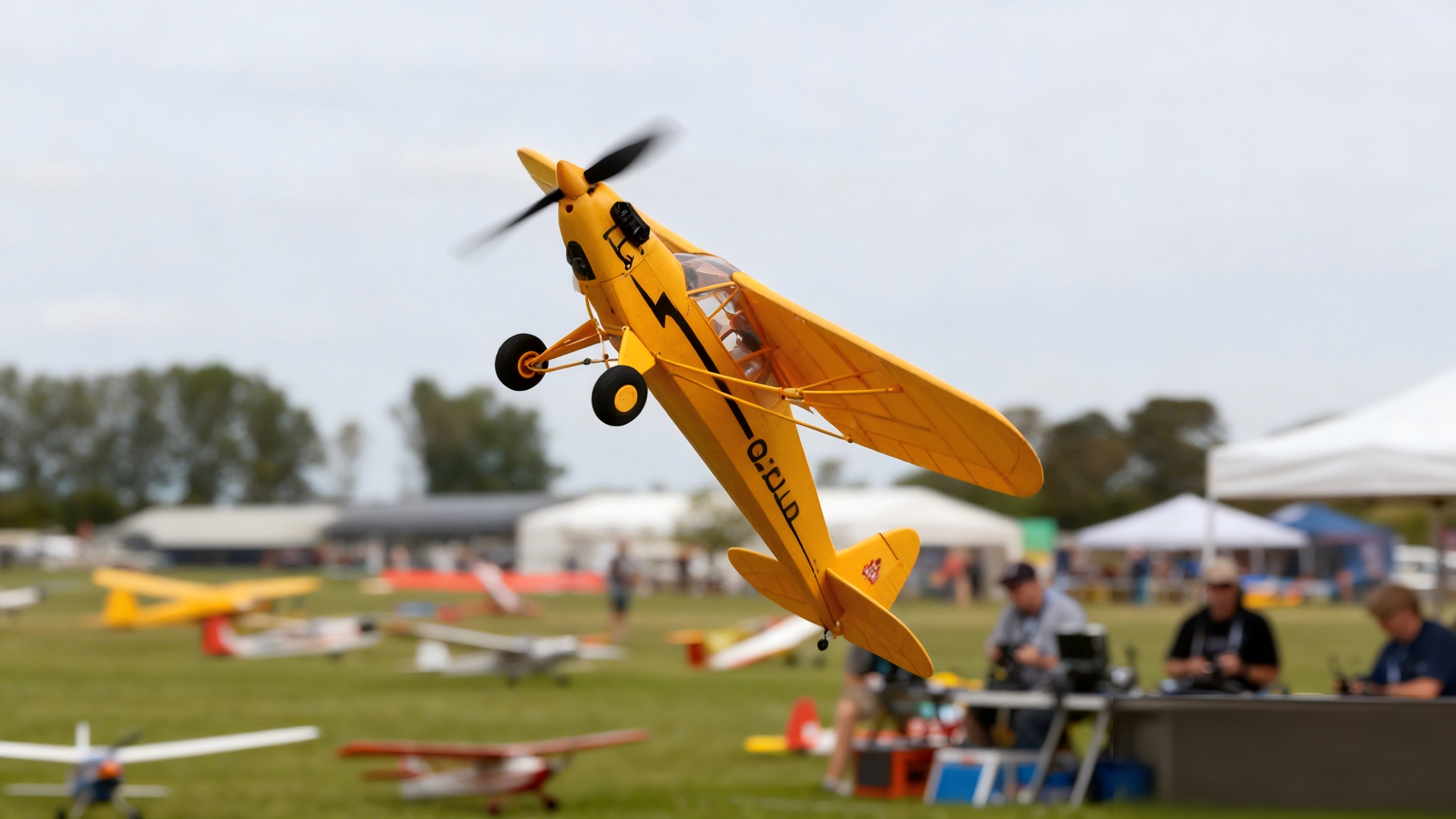
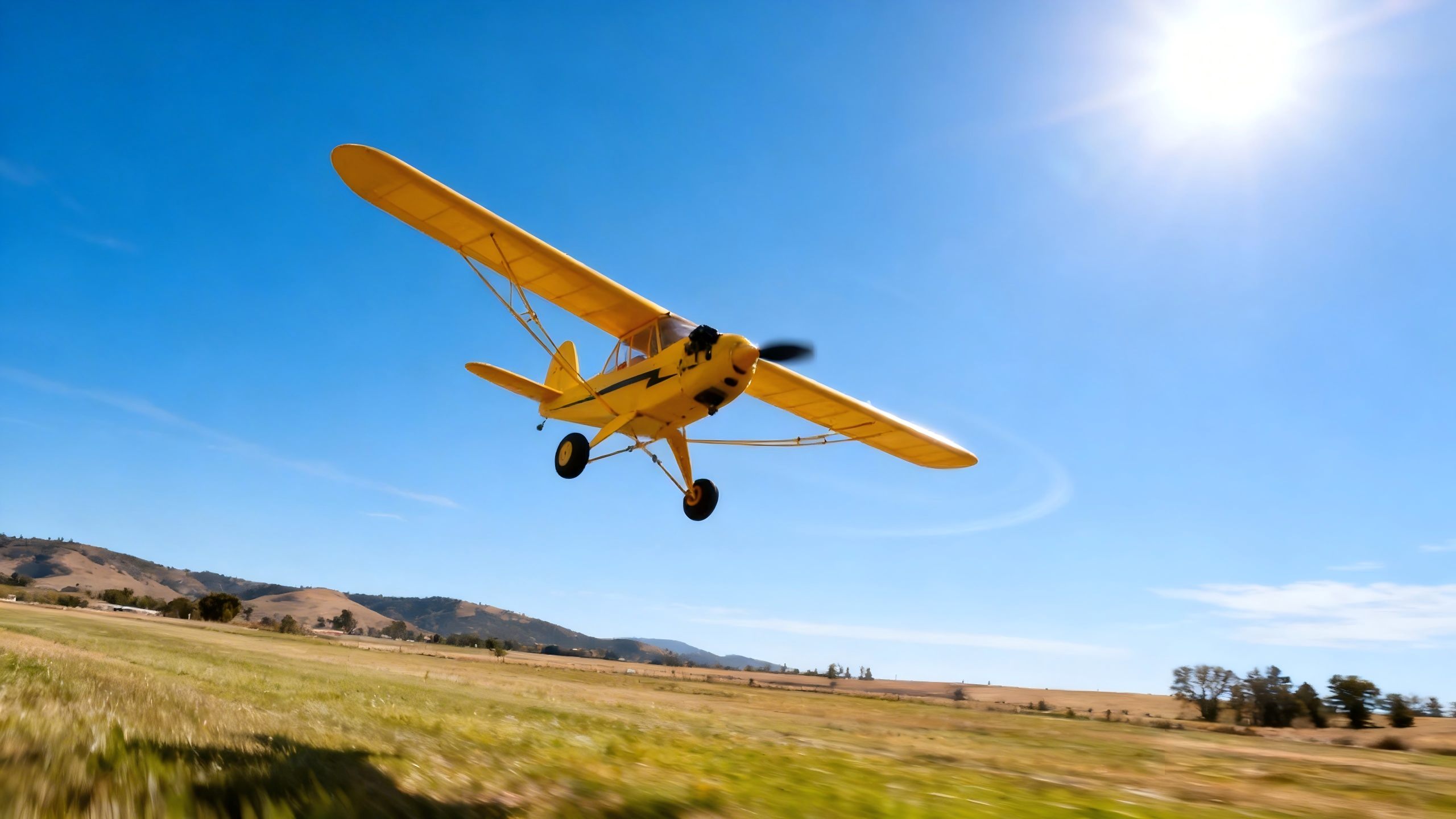
Mastering intermediate 3D RC aerobatics isn’t about “flying harder.” It’s about predictable setups, small disciplined inputs, and a repeatable practice routine. In this guide, you’ll get safety-first preflight checks, conservative starter settings, practical mixing concepts, power/thermal guardrails, and a six‑session progression that takes you from steady harriers to confident hovers and torque rolls—without cooking your gear.
Key Takeaways
-
Stability in post‑stall flight comes from setup: sane throws, sensible expo, and mixes you trim in small steps.
-
For sustained hover margin, target a strong thrust‑to‑weight ratio and monitor temps—practice ends when telemetry says so.
-
A structured progression (harrier → hover → torque roll) builds muscle memory faster than random attempts.
Safety and Preflight Essentials
Before any 3D session, confirm you’re operating within a club’s rules and a clear safety line. Keep spectators behind it and maintain visual line of sight. The Academy of Model Aeronautics outlines field‑proven norms—distance from people, airspace awareness, and pilot responsibilities—in its National Model Aircraft Safety Code; review the details in the AMA’s official document: the AMA National Model Aircraft Safety Code (Document 105).
-
Do a quick control‑direction and range check; verify a fresh, balanced pack.
-
Check CG close to neutral for 3D (slightly aft is common, but start conservative and creep back).
-
Confirm prop and motor screws are tight; confirm cooling paths are clear.
Baseline Settings by Model Class (start conservative, then tune)
These ranges are practical starting points for intermediate 3D RC aerobatics across three popular airframe types. Always consult your specific model’s manual and test at safe altitude; adjust in small increments.
|
Model class |
Aileron throw (low/high) |
Elevator throw (low/high) |
Rudder throw (low/high) |
Expo (start) |
Rates note |
|---|---|---|---|---|---|
|
EPP profile 32–40" (light foamy) |
~12–18° / 20–28° |
~12–18° / 20–30° |
~15–25° / 25–40° |
15–30% (rudder 20–30%) |
Two rates: Safe ~60% endpoints; 3D ~90–100% |
|
1.0–1.2 m 3D foam |
~12–18° / 20–28° |
~12–18° / 20–30° |
~15–25° / 25–40° |
15–30% (rudder 20–30%) |
Shape a gentle throttle curve for hover finesse |
|
1.4–1.6 m semi‑scale |
~10–16° / 18–25° |
~10–16° / 18–28° |
~15–22° / 25–35° |
15–25% (rudder 20–30%) |
Slightly lower high‑rate endpoints; add expo if twitchy |
Notes:
-
Expo is a tool, not a crutch. If the model feels “nervous,” add 5–10% expo before you cut throws.
-
Keep a “Safe” low‑rate for approaches and bailouts; reserve “3D” high‑rate for post‑stall maneuvers.
Mixing That Makes 3D Work (why and how to trim it)
Mixes reduce pilot workload by compensating for coupling that shows up in high‑alpha or knife‑edge flight. Because every airframe and power setup is different, introduce each mix gently, test high and upwind, then nudge by a couple of points at a time.
-
Rudder → Aileron (knife‑edge balance): In knife‑edge, some planes roll off the line. A small counter‑aileron mix can keep the wings level so you can focus on yaw and pitch. Verify the sign at altitude, then tune by tiny steps until the roll tendency fades.
-
Rudder → Elevator (knife‑edge pitch hold): If the nose hunts up or down in knife‑edge, a light elevator mix can steady the line. Again, sneak up on it—too much mix can hide a CG or thrust‑line issue you should fix mechanically.
-
Throttle → Elevator (hover trim): In hover, torque and propwash shift the pressure on the tail. A hint of elevator with higher throttle can reduce constant stick pressure. Test near‑vertical climbs first, then refine while hovering high.
-
Throttle curve and deadband: Many pilots shape a gentle low‑to‑mid throttle curve so “one click” doesn’t spike RPM in hover. If your radio supports it, a slight deadband around center can also calm throttle jitters.
Pro tip: Mixes are for fine‑tuning. If you need a big mix to “fix” behavior, revisit CG, thrust angle, wing incidence, or control‑surface alignment first.

Power, Props, and Thermal Guardrails
For sustained hover and clean torque rolls, power margin matters. Community practice points to a strong hover margin when static thrust roughly doubles aircraft weight; see the discussion noting “thrust/weight ratio at least 2 or better” in this Flite Test forum thread on prop choice and thrust vs. speed. Treat that as a target to validate with a thrust stand or realistic vertical test flights.
Prop selection influences static bite and current draw. APC shares data and methodology you can use to compare diameter and pitch choices; larger diameter and modest pitch often improve static thrust at the cost of current and tip‑speed constraints. For methodology and performance files, consult APC’s technical performance data. Match prop choice to your motor’s limits and verify current with a wattmeter.
Thermals decide how long you get to practice. Many airplane ESCs log temperature and current; Castle’s aircraft controllers, for example, specify that controller temperature must not exceed around 100°C (212°F). See the product documentation on the Castle Talon 90 ESC page for context. As a practical guardrail, set a telemetry alert 10–20°C below your controller’s limit, and leave cool‑down time between hover attempts. If your temps climb or your pack sags below healthy voltage under hover load, land and reassess prop, airflow, or endpoints.
Practice Progression: From Harrier to Torque Roll (6 micro‑sessions)
-
Harrier entries and exits (10 min): Fly long, level harriers. Use rudder for heading; keep wings level with light aileron. Trim expo if twitchy.
-
High‑alpha turns and spot holds (10 min): At safe altitude, hold a steady nose‑high attitude and “park” the model upwind. Nudge throttle to feel lift changes.
-
Hover approaches (10 min): Transition from high‑alpha to near‑vertical hangs. Count to three in a tail‑low attitude, then recover. Add a touch of throttle curve if RPM jumps.
-
Sustained hover holds (10 min): Build to 10–20 second stable hovers. Watch telemetry at each landing; note temps and sag. If temps rise, shorten sets.
-
Assisted torque rolls (10 min): From a hover, introduce slow rotation with rudder rhythm and tiny aileron bumps. Abort early and upright if it drifts.
-
String it together (10 min): Harrier → hover → quarter‑turn torque roll → knife‑edge exit. Film one run for stick‑movement review. For visual coaching, Michael Wargo’s tutorial Learn How to Fly 3D: The Hover pairs well with these drills.
Troubleshooting (read this when something feels “off”)
-
Plane rolls during hover: Check motor thrust line and mount alignment; verify aileron differential and wing incidence; nudge CG forward if it’s too aft.
-
ESC or motor runs hot in hover: Prop may be too large or pitch too high; improve airflow; verify current draw against ESC rating; consider stepping down prop or increasing ESC overhead.
-
Controls feel twitchy: Add 5–10% expo on the offending axis before reducing throws; ensure no slop in linkages.
-
Weak knife‑edge yaw authority: Increase rudder throw within mechanical limits; confirm servo torque and speed; consider a small rudder‑to‑aileron/elevator mix after mechanical checks.

A Neutral Example Setup Using a PlayPulse RC Airframe
Disclosure: PlayPulse RC is our product.
When you’re applying these concepts to a mid‑size foamy, start with a conservative, testable baseline and let your notes drive changes. For instance, on a roughly 1.0–1.2 m foam aerobat from the PlayPulse RC RC aircraft collection, I’ll load a fresh pack and confirm CG slightly aft of the manual’s sport setting. I program two rates: a Safe rate around 60–70% endpoints with 20–25% expo, and a 3D rate near full mechanical throws with 25–35% expo to take the edge off center.
Next, I shape a gentle throttle curve so the low‑to‑mid band is predictable for hover work. Early flights are high and upwind: I confirm harriers on Safe rate, then switch to 3D to try brief tail‑low hangs. If the model slowly rolls off line in knife‑edge, I add a tiny counter‑aileron rudder‑mix and retest. If hover needs constant down‑elevator at higher throttle, I introduce a touch of throttle‑to‑elevator to reduce stick pressure. After each landing, I check my telemetry notes—peak ESC temperature and minimum voltage. If temps creep up, I extend cool‑down time; if sag is heavy, I re‑evaluate prop size or battery C‑rating. The point isn’t to hit someone else’s numbers; it’s to make your particular airframe feel consistent and calm in the post‑stall envelope.
Tools and Measurement Tips
A wattmeter and basic ESC telemetry will tell you more than guesswork ever will. Validate current draw after prop changes and watch ESC temperature trends across hover sets; set an alert comfortably below the controller’s stated limit. If you don’t have onboard telemetry, an IR thermometer after landing can reveal rising motor or ESC case temps. Think of these as your “dash gauges”—they keep your practice safe and your electronics healthy.
References and Further Study
-
Field norms and distance rules are summarized in the AMA National Model Aircraft Safety Code (Document 105). It’s the quickest way to align with common club expectations.
-
For prop comparisons and static‑thrust considerations, review APC’s technical performance data portal and match selections to your motor’s limits.
-
On hover power margin, see the community discussion highlighting a “2:1 or better” rule of thumb in this Flite Test forum thread on thrust vs. speed vs. acceleration.
-
For ESC thermal context and temperature ceilings, consult the Castle Talon 90 ESC page and set your telemetry alerts conservatively below the documented limits.
-
For visual coaching on stick work in hovers and early torque rolls, Michael Wargo’s Learn How to Fly 3D: The Hover is a reliable complement to the micro‑sessions above.
Next Steps
Save this setup, film one practice flight, and adjust one variable per session—your hover will smooth out faster than you think.

Leave a comment
This site is protected by hCaptcha and the hCaptcha Privacy Policy and Terms of Service apply.