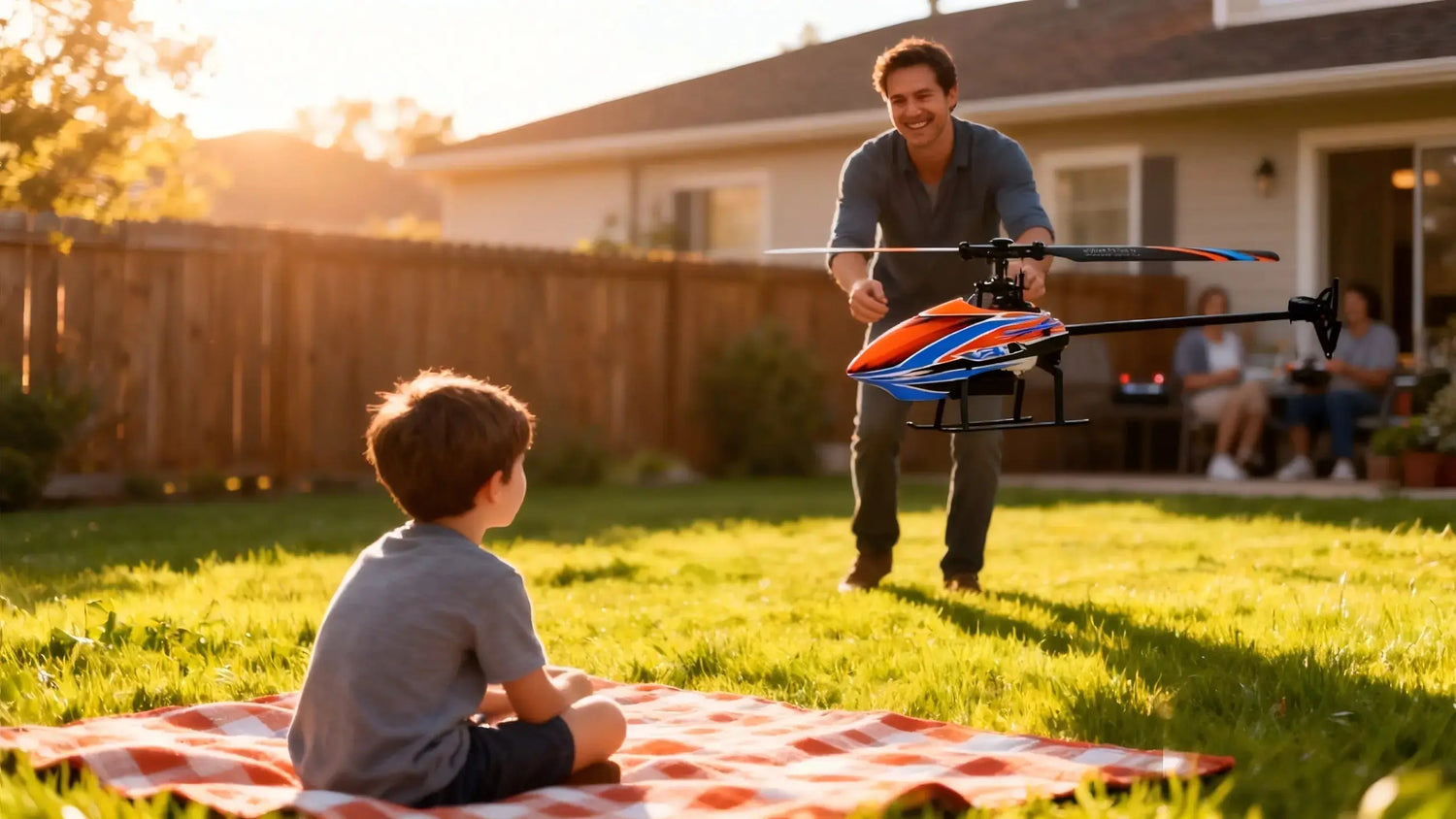
How to Fly an RC Helicopter: Beginner Tips for Stable, Safe First Flights
Your first stable hover changes everything. This guide shows you how to fly an RC helicopter with a safety‑first routine, simple micro‑drills, and just enough tech to help—not overwhelm. We’ll keep the wind calm, the inputs small, and your confidence rising with each battery.
Key takeaways
-
Power sequence matters: transmitter on first (throttle low, throttle hold), helicopter on second; reverse to power down.
-
Choose calm conditions and a wide, open space; keep the heli tail‑in and lift into a low hover around 2–3 ft.
-
Use micro‑inputs and repeatable “lift–hold–land” drills to build muscle memory fast.
-
6‑axis stabilization and auto‑level modes reduce workload; plan to wean off as you improve.
-
Charge LiPos at or below 1C, never unattended, and store around 3.8–3.85 V per cell.
-
In the U.S., complete TRUST, stay at or below 400 ft AGL, and understand when Remote ID applies.
What you need to practice safely
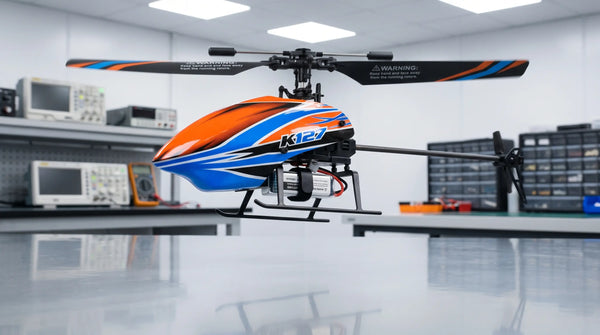
You don’t need a big machine to learn how to fly an RC helicopter well. A small, stable, fixed‑pitch or beginner collective‑pitch model with auto‑level helps you get early wins. When selecting the best RC helicopter for your skill level, consider models that are easy to fly and ready to fly right out of the box. Pick a flat, open area—short grass or an empty parking lot—with no people overhead or nearby. Aim for calm to very light wind.
Before each session, set your radio like this: throttle stick low; throttle hold (or throttle cut) on; correct model selected. Power on the transmitter first. Then connect the helicopter’s flight battery and place the heli motionless on a level spot so the gyro or IMU can initialize. Keep throttle hold on until you’re ready to spool up.
Pro tip: Stand about 30 feet (10 m) behind a simple safety line (cones or tape). It creates a habit and a buffer you’ll appreciate later.
Pre‑flight routine
Run this quick pre‑flight every time. It’s fast, and it prevents most beginner mishaps.
Printable pre‑flight card
Frame and blades: no cracks or chips; links snug; screws secure.
Battery: no puffing or damage; securely strapped; correct connector; pack at the right state (charged for flight, ~3.8–3.85 V per cell for storage). Extra LiPo batteries on hand can extend your flying time without sacrificing safe battery care.
Radio: transmitter on first; throttle low; throttle hold on; correct model; beginner rates/expo set.
Gyro/IMU: heli perfectly still for initialization; check swash and tail move the right way with stick inputs.
Site and wind: open area; spectators behind you; calm to light breeze only; never fly over people.
Abort cues: unexpected yaw, strong drift after trims, rising wind, battery warning or voltage sag.
Why the fuss? Because small issues snowball in the air. A reversed tail, a loose link, or a rushed gyro initialization will ruin an otherwise perfect session.
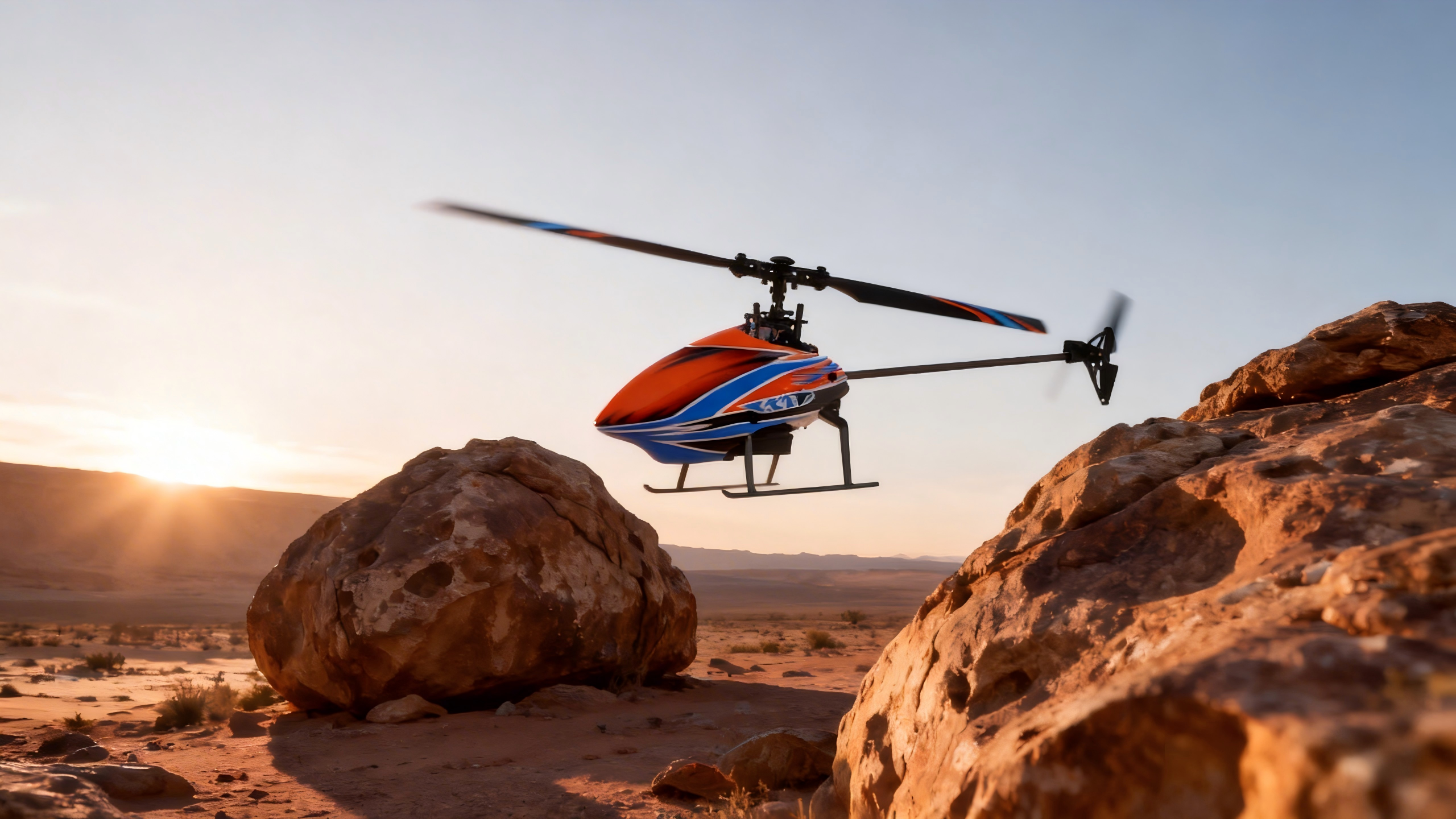
How to fly an RC helicopter: first takeoff and low hover
Your first objective is simple: a controlled, tail‑in hover at waist height. Think of it like learning to balance—subtle corrections beat big moves every time.
-
Position and arm
-
Place the heli 15–20 feet in front of you, tail pointing toward you (tail‑in).
-
Face squarely toward it. Check the area is clear. Disengage throttle hold.
-
-
Smooth spool‑up
-
Raise throttle slowly until the landing skids feel light. Pause. Then add a touch more to lift cleanly into a 2–3 ft hover. Avoid long skids on the ground—they invite tip‑overs.
-
-
Micro‑inputs only
-
Use tiny stick nudges to counter drift. If it slides left, nudge right; if the nose twitches, nudge tail the other way. Let the stabilization do some work.
-
-
Hold and land
-
Hold the hover for 10–15 seconds. Then lower throttle smoothly to settle back down. If the heli begins to yaw unexpectedly, land and investigate.
-
-
Repeatable micro‑drills
-
Do three “lift–hold–land” cycles per battery: 10–15 seconds each. Rest a few seconds between cycles so your hands—and the heli—cool off.
-
Graduation goal: when you can hold a steady tail‑in hover for 60 seconds across three flights with minimal drift and clean landings, you’re ready to add orientation work.
Orientation and progression
Orientation is the brain game. Tail‑in is easiest because left is left and right is right. Side‑in and nose‑in flip the mapping. Here’s a clean path:
-
Side‑in starts: Rotate the heli 90 degrees so one side faces you. Hold a low hover using the same micro‑input discipline. Do short sets—10 seconds at a time.
-
Nose‑in awareness: When the nose points at you, left/right reverse. Expect your brain to lag; keep sets short and land often.
-
Mini figure‑8s: Once tail‑in is rock‑solid, try slow, shallow figure‑8s at waist height, always returning to a stable hover.
Sim time helps. Ten minutes on a mainstream simulator that mirrors Mode 2 stick mapping (left stick throttle/yaw, right stick elevator/aileron) before each field session pays off. RealFlight’s training scenarios reflect standard layout and basic hover practice; see the orientation lessons in the RealFlight 9.5 manual via Horizon Hobby’s documentation: RealFlight orientation and training notes.
When to dial back assistance: If your model offers beginner, intermediate, and advanced stabilization, move up when you meet your hover goals consistently. Wean off auto‑level gradually so you learn true control rather than letting the system mask errors.
Electronic aids explained
Think of stabilization as a spotter at the gym: helpful when the weight feels heavy, unnecessary once you own the movement.
-
3‑axis gyro stabilizes rotation (pitch, roll, yaw). It resists sudden spins but doesn’t know where “level” is.
-
6‑axis systems add accelerometers for attitude awareness. With auto‑level enabled, the heli tends to right itself when you center the sticks. Some systems also offer a “panic” or “recovery” switch to quickly level the model.
Spektrum’s technology pages describe how core stabilization counters gusts without fighting your inputs, and how self‑level options add a safety net—see AS3X: the foundation of stability and SAFE Technology overview.
Some beginner‑friendly RC aircraft, such as those offered by Playpulse RC, include gyro‑assisted stabilization to help new pilots learn basic hover control. For a quick overview of stabilized aircraft and care tips, browse gyro‑stabilized RC aircraft basics.
Tip: Use stabilization to reduce workload in the first few sessions, then incrementally reduce assistance once you can hover and track straight reliably.
LiPo battery safety quick card
Keep batteries healthy, and they’ll keep your sessions predictable.
Charge: Balance‑charge at or below 1C. Never charge unattended. Stop if temperatures rise abnormally.
Storage: About 3.8–3.85 V per cell in a cool, dry place. Don’t store packs fully charged for long periods.
Handling: Inspect for puffing or damage before and after flights. Let packs cool to room temp before charging again.
Flight margin: Land early—avoid deep discharge and heed any low‑voltage alerts.
Charging area: Use a fire‑resistant surface or bag, with a clear perimeter.
For the chemistry behind these rules, see Battery University’s guide to charging lithium‑ion cells.
Troubleshooting: quick fixes
When something feels off, land and reset. Start with the simplest causes first.
|
Symptom |
Likely cause |
Quick test |
What to try |
|---|---|---|---|
|
Tail rapidly wags |
Tail gyro gain too high; mechanical play |
Wiggle tail hub and links; reduce gain 5–10% |
Lower tail gain; check linkage slop; add delay if your servo is slow |
|
Persistent drift in hover |
Trim masking mechanical issue; sensor not level |
Re‑initialize gyro on level ground |
Re‑level swash; verify sensor mounting; remove heavy trims and re‑test |
|
Vibration or shaking |
Unbalanced blades/shaft; head gain too high |
Spool up and watch skids for buzz |
Balance/replace blades; inspect feathering shaft; reduce head gain |
|
Sudden yaw on lift |
Rushed gyro init; tail not holding |
Confirm tail direction with stick; re‑arm on level ground |
Re‑initialize; check tail belt/gear tension; verify tail servo direction |
If unexpected yaw persists or you notice repeated oscillation after small changes, stop and seek help from a local club pilot or your nearby hobby shop before continuing.
Rules to know in the U.S.
If you fly purely for fun in the U.S., the FAA’s recreational flyer rules apply: complete the free TRUST safety test and keep proof with you, maintain visual line of sight, and stay at or below 400 ft AGL in uncontrolled airspace. Get the essentials on the FAA’s concise page for hobby pilots here: FAA Recreational Flyers (TRUST, VLOS, 400 ft AGL).
Aircraft that must be registered (generally those heavier than 0.55 lb/250 g) also need to comply with Remote ID—either with built‑in capability, a broadcast module, or by flying in a designated FRIA. For current options and exceptions, see FAA Remote ID overview.
Want friendly coaching and designated flying spaces? Look for an Academy of Model Aeronautics club in your area; many clubs operate FRIAs and welcome beginners: AMA safety programming and club finder.
Closing thoughts
Here’s the deal: build habits that reduce risk and amplify learning—calm sites, clean pre‑flights, tail‑in first, micro‑inputs always. When you can hover for a full minute and land gently, the rest unfolds faster than you expect. If you’re curious about stabilized beginner aircraft and maintenance basics, skim RC aircraft basics and options from Playpulse RC for context and paths to progress.
FAQ
Are RC helicopters difficult to fly?
RC helicopters can be challenging at first due to their three-dimensional controls and orientation changes. However, beginner-friendly models with features like 6-axis stabilization and auto-level modes make them much easier to fly. Starting with a fixed pitch RC helicopter or a toy RC helicopter designed for beginners or kids helps build confidence and skill gradually.
Do I need a license to fly a big RC helicopter?
In the U.S., for recreational flying, you do not need a license, but you must complete the free TRUST test and follow FAA rules including altitude limits and Remote ID requirements. If flying for commercial purposes, FAA certification is required.